ERA CERTIFICATE
Go to your Learner Account. Click on the ERA course.
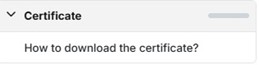
In the left navigation bar, click on “How to download the certificate?”
You will be directed to a page with the following instructions:
Prerequisites for the certificate to download:
- You must be marked present for both days of in-person training.
(Your “ERA Live Training” module will turn green once attendance is recorded by the instructor.)
- You must complete all e-Learning modules.
- You must complete the final exam/assessment.
- You must complete the survey (this will become available only after completing items 1–3).
__________________________________________________________________________________
ERA RECERTIFICATION
Go to your Learner Account. Click on the ERA course.
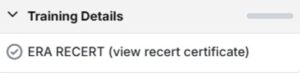
In the left navigation bar, click on “ERA RECERT.”
__________________________________________________________________________________
IMMERSIVE COURSE
Go to your Learner Account. Click on your immersive course.
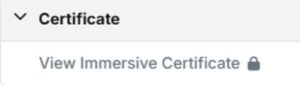
In the left navigation bar, click on “View Immersive Certificate.”